
Free
For trying Backplane and small projects
$0
Get started- 1 builder
- 10 people using your apps
- 3 live apps
- 5,000 items and 1 GB of storage
- Invite-only apps
Lay out the screens, set up the data and publish. People add the app to their home screen from the browser. It works offline and updates itself, with no app store in between.
Free for one builder and up to 10 people. No credit card needed.
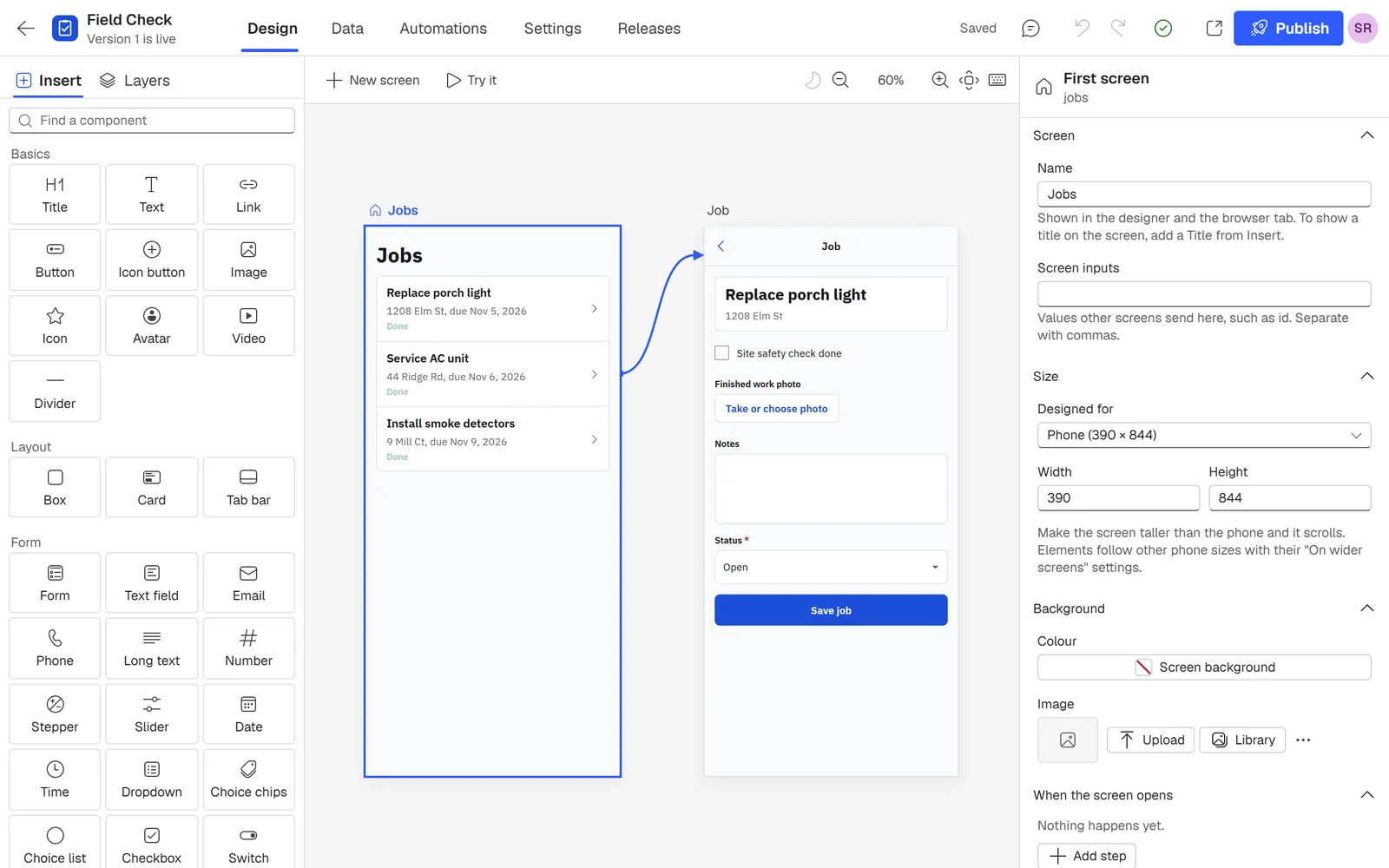
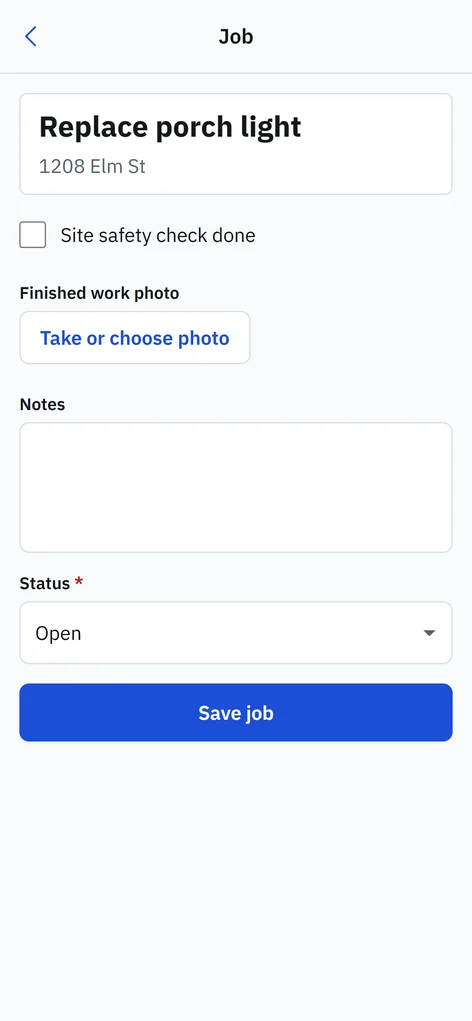
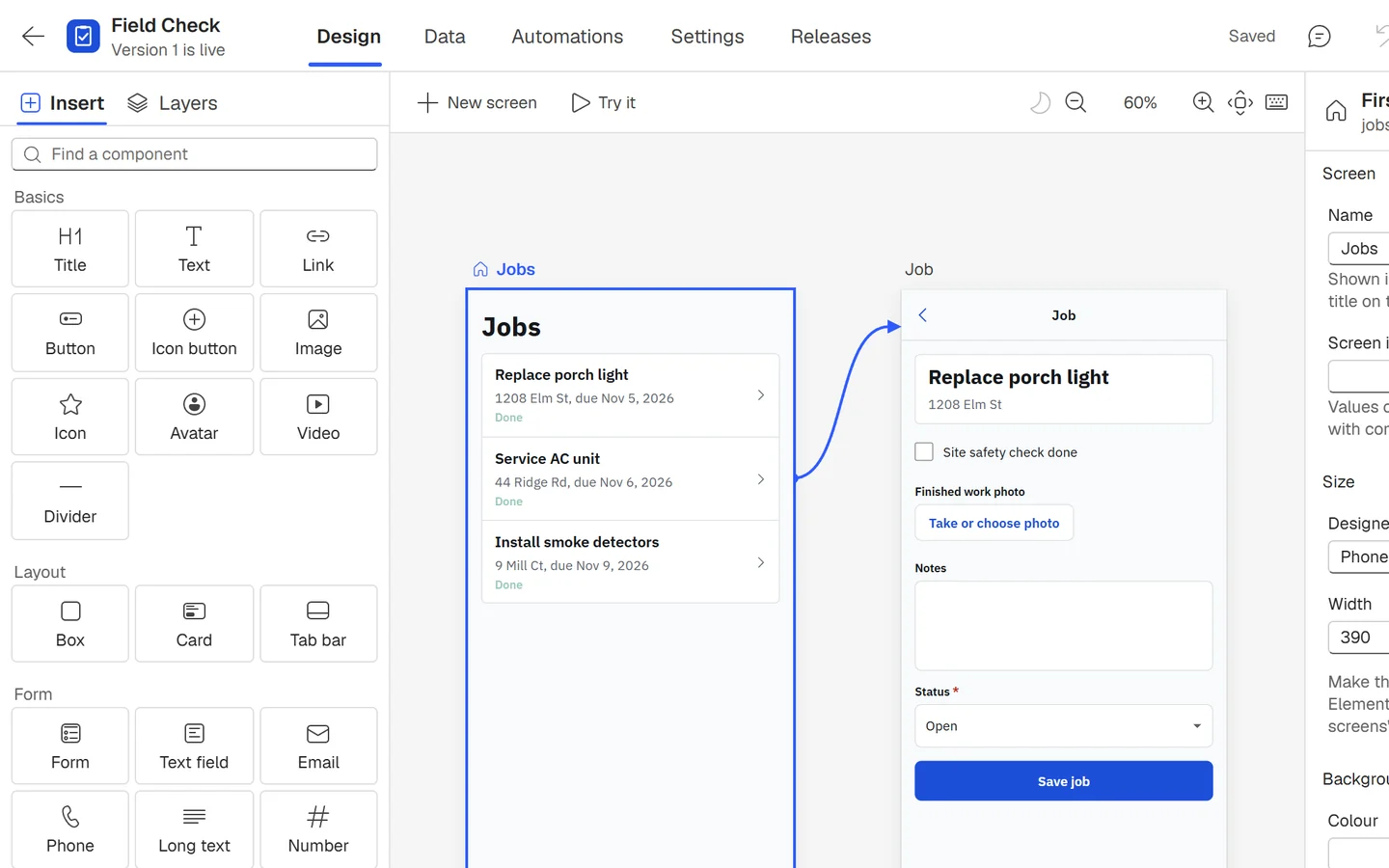
Your app's screens sit side by side, so the whole flow is in view. Drag in the parts you need, link each button to the screen it opens, and try it right on the board before anyone else sees it.
Prefer to start from words? Describe the app and the AI builder lays out a first draft for you to change.
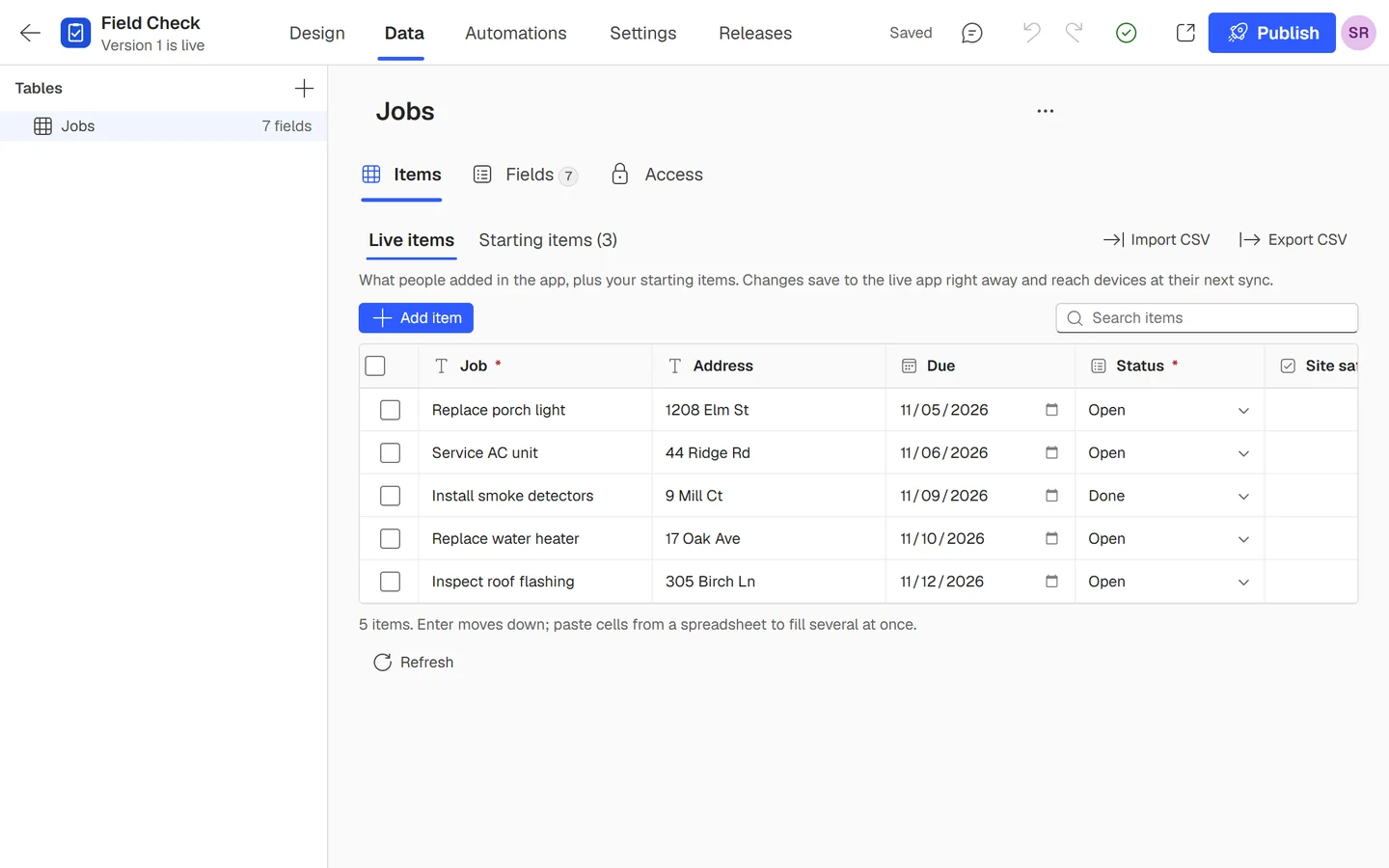
Each app comes with its own tables. Add fields, type items in or bring them from a spreadsheet, and choose who sees what in plain words instead of permission settings.
Send people the app's address. They add it to their home screen, and it opens full screen like any other app. Answers save on the phone first and sync when there's a signal, so a dead zone never costs anyone their work.
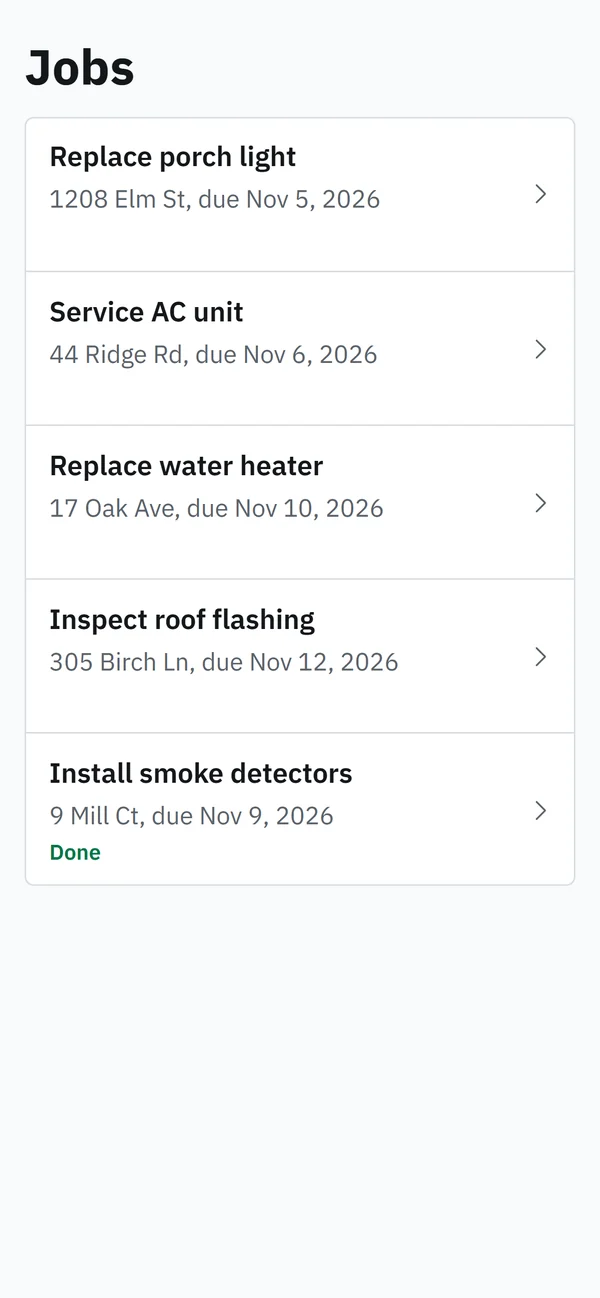
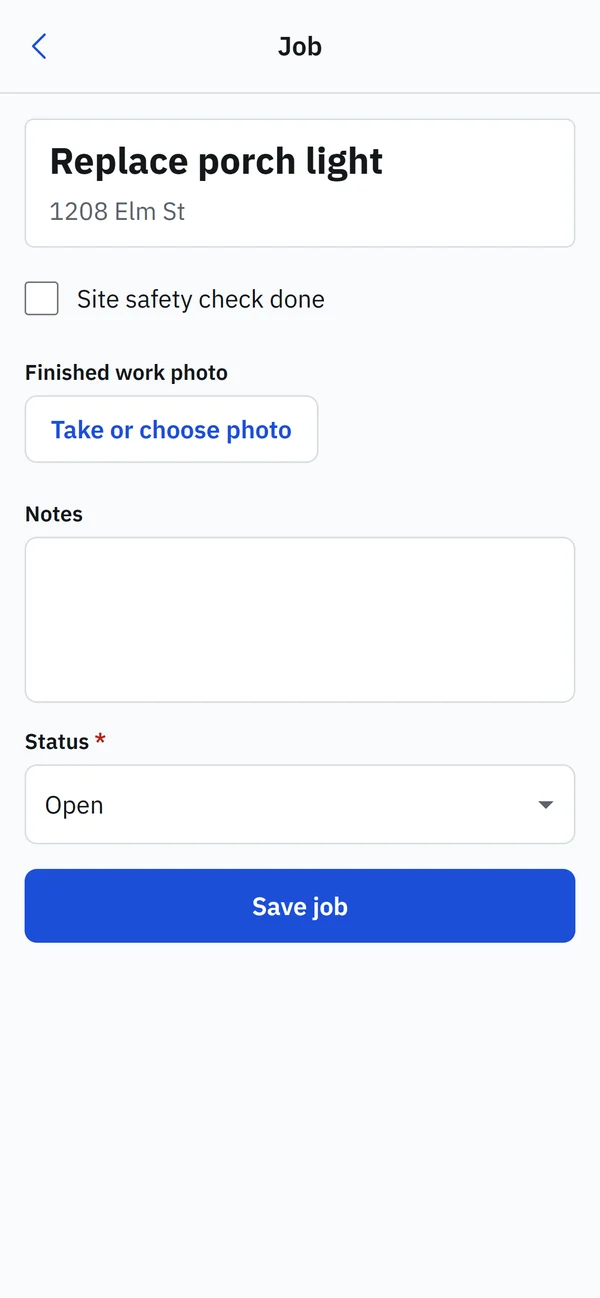
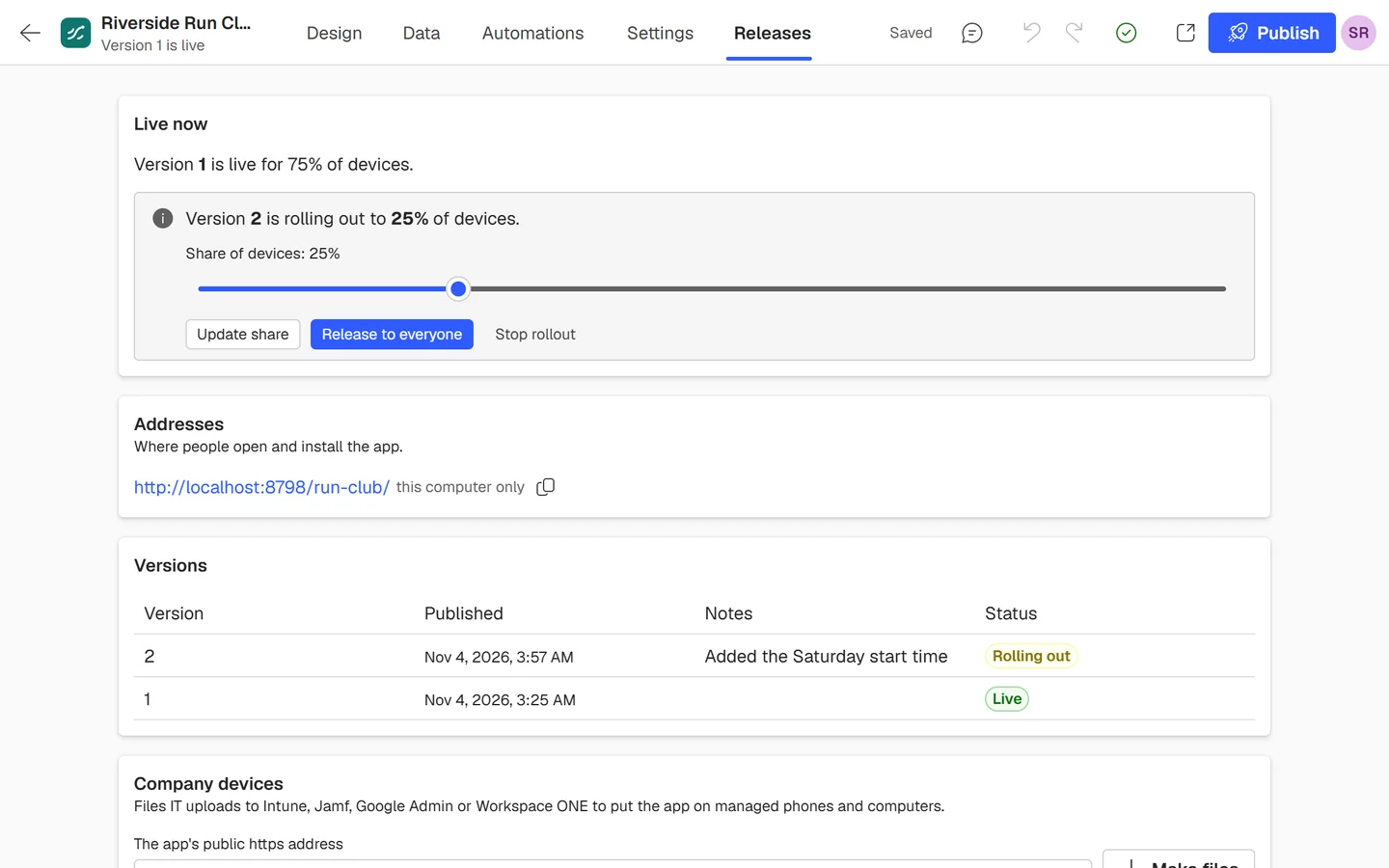
Every publish is a new version with its own notes. Send it to a share of devices first and raise the share when it looks right. Phones switch at a calm moment, like the next screen, and nothing anyone typed is lost.
Put apps on managed devices, decide who builds and who uses each app, and see who changed what.
Download ready-made files for Intune, Jamf, Kandji, Workspace ONE and Google Admin to put an app on company phones and computers.
Owners run the workspace, editors build the apps, and app users see only the apps they're invited to.
People who use your apps sign in with a code sent to their email, so there are no app passwords to reset.
See who published a version, invited someone, changed a role or made an API key, and when.
Every workspace keeps its items in a database of its own, and photos stay behind each workspace's sign-in.
Give each script or system its own key, and revoke any key on its own without touching the rest.
When an item is added, changed or deleted, update it, add another item or send an email.
Tell your other systems the moment something changes. Each delivery is signed with its own secret.
Read and write the same tables from your own code, with the same checks the app uses.
$ APP=https://canvas.backplaneapp.com/v1/apps/field-check
$ curl -s "$APP/tables/jobs/records?status=Open&limit=1" \
    -H "Authorization: Bearer $BACKPLANE_KEY" \
  | jq '.data[0] | {id, title, address, due, status}'

{
  "id": "j-101",
  "title": "Replace porch light",
  "address": "1208 Elm St",
  "due": "2026-11-05",
  "status": "Open"
}Every plan includes the designer, offline apps, staged rollouts, files for managed devices, the activity log and the API. You pay for the workspace, not for each person who uses your apps.
For trying Backplane and small projects
$0
Get startedFor one builder whose apps reach more people
$19 per month
Contact salesFor businesses with several people building apps
$79 per month
Contact salesFor companies rolling apps out across many teams
Custom
Contact sales| Free | Pro | Team | Enterprise | |
|---|---|---|---|---|
| Apps and people | ||||
| Builders | 1 | 1 | 10 | Custom |
| People using your apps | 10 | 100 | 1,000 | Custom |
| Live apps | 3 | 10 | 50 | Custom |
| Public apps | Not included | Included | Included | Included |
| Data | ||||
| Items | 5,000 | 50,000 | 500,000 | Custom |
| Photos | 500 | 10,000 | 100,000 | Custom |
| Storage | 1 GB | 20 GB | 100 GB | Custom |
| Each month | ||||
| Automation runs | 500 | 10,000 | 100,000 | Custom |
| API calls | 1,000 | 25,000 | 250,000 | Custom |
| Webhook messages | 1,000 | 25,000 | 250,000 | Custom |
| New apps from the AI builder | 1 | 10 | 25 | Custom |
| Changes from the AI builder | 5 | 100 | 250 | Custom |
| Features | ||||
| Automations that send email | Not included | Included | Included | Included |
| Offline apps with silent updates | Included | Included | Included | Included |
| Staged rollouts and rollback | Included | Included | Included | Included |
| Files for managed devices | Included | Included | Included | Included |
| Activity log | Included | Included | Included | Included |
| REST API and webhooks | Included | Included | Included | Included |
| Support | Priority email | Named contact | ||
Prices are in US dollars per workspace, before tax. A free workspace nobody uses for 90 days is deleted, after three email warnings.
It's a web app that people add to their phone or computer from the browser. It gets an icon on the home screen, opens full screen without the browser's address bar, and keeps working offline.
No. You share the app's address. There's no store listing, no review and no waiting for approval, and updates reach phones without anyone downloading them.
The app opens and works as usual. New answers, photos and changes are kept on the phone and sync on their own once it's back online.
iPhone and iPad with Safari, Android with Chrome, and Windows, Mac and ChromeOS with Chrome or Edge.
Yes. Each app can download files for Intune, Jamf, Kandji, Workspace ONE and Google Admin that place it on managed phones and computers.
Only the people in your workspace and the people you invite to an app. On Pro and above you can also make an app public, so anyone with the link can open it. Each table has its own rule for who can see and change its items, and the server enforces it on every change.
No. You pay for the workspace. Each plan includes a number of people who can use your apps, and inviting them costs nothing extra.
Nothing is deleted and your apps keep working. Only the action that would go over the limit stops, such as adding items or publishing another app, until the monthly count starts over, you make room or you move to a larger plan.
After 90 days without anyone signing in, opening an app or calling the API, it's deleted. We email the owner 20, 10 and 5 days before, and any of those actions resets the clock.
Each one is a complete app with sample items. Pick one of ours or one your team shared, change it into yours and share it the same day.
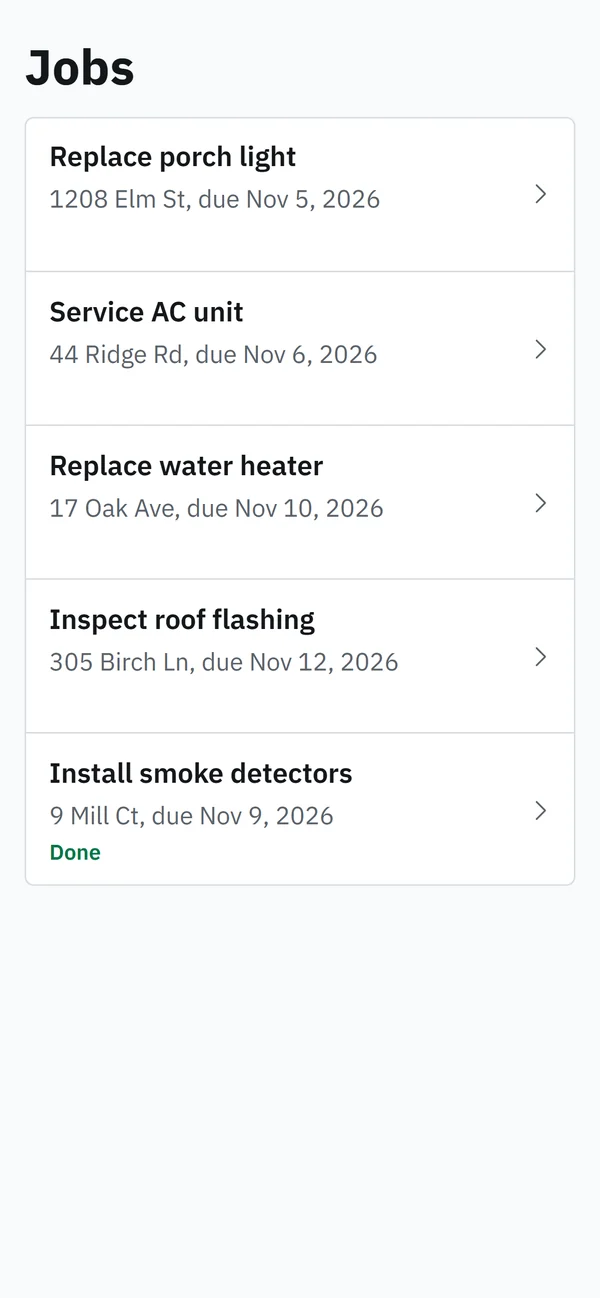
Jobs with a safety check, a photo of the finished work and notes.
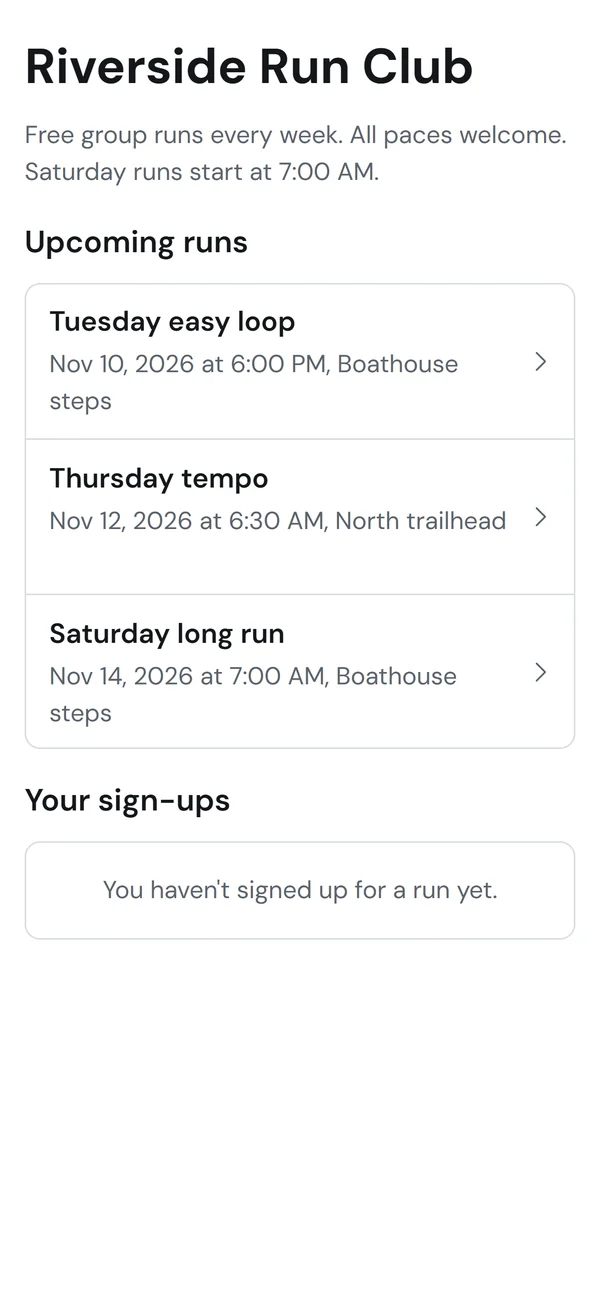
A list of events, the details of each and a form to sign up.
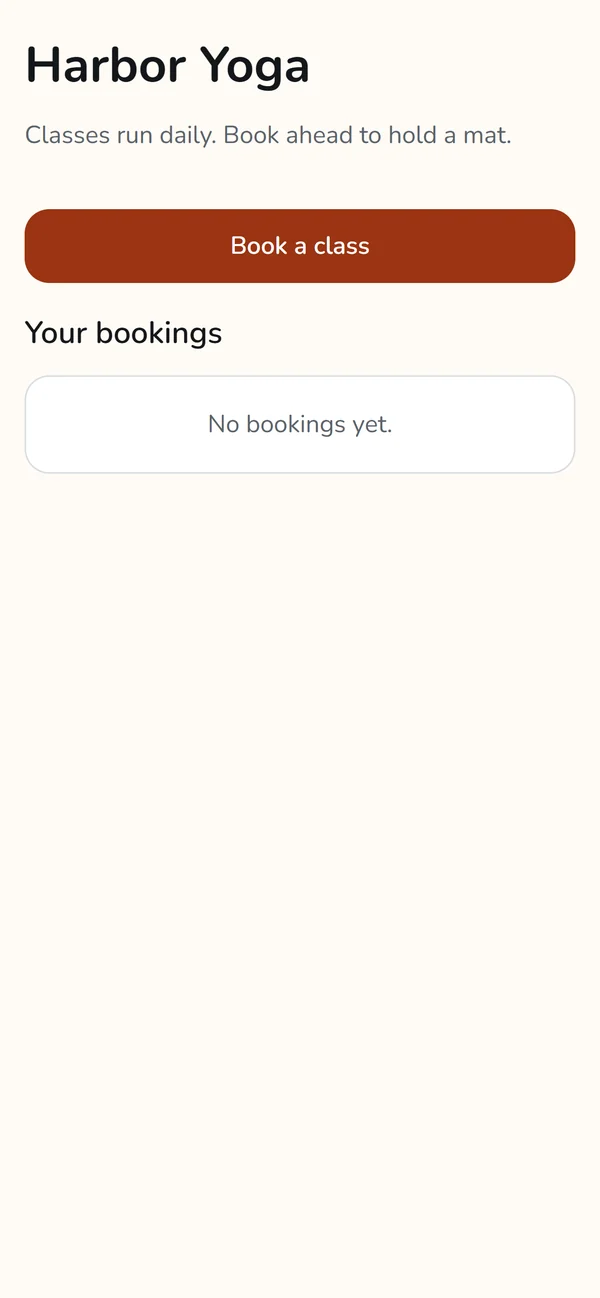
Classes to book, with a place for people to manage their bookings.